
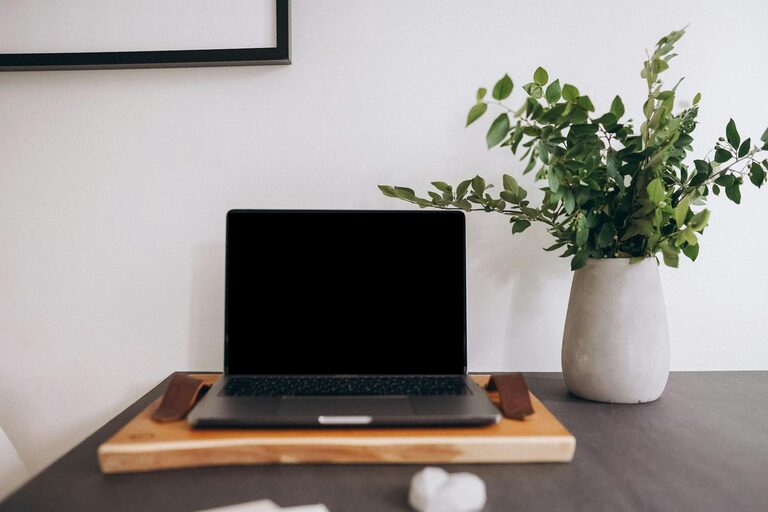

Creating a comfortable and productive home office is essential in today’s world, where many of us spend significant time working remotely. A well-organised workspace helps reduce distractions, save time, and improve your overall work experience. If your home office feels cluttered or uninspiring, this guide offers simple tips to transform it into a space that supports your productivity and comfort.
Why Organising Your Home Office Matters
Your home office should be a place where you feel motivated and at ease. Disorganisation can lead to lost documents, wasted time searching for items, and increased stress. By organising your environment thoughtfully, you create clear boundaries for work, making it easier to focus and be effective.
—
1. Choose the Right Location
Start by selecting an area of your home that suits your work style. Ideally, this space should be:
– Quiet and free from distractions
– Well-lit with natural or good-quality artificial light
– Spacious enough for your desk and storage needs
If possible, pick a separate room or corner to help mentally switch between work time and leisure.
—
2. Declutter and Prioritise What You Need
Decluttering is the foundation of any organised office. Begin by sorting through your items:
– Keep only essential items on your desk: computer, phone, notebook, and a pen
– Store less-used materials in drawers or cupboards
– Dispose of or recycle unnecessary papers and outdated equipment
Regular decluttering sessions prevent your space from becoming overcrowded again.
—
3. Invest in Functional Storage Solutions
Good storage keeps everything in its place and easy to find. Consider the following:
– Use desk organisers for stationery like pens, clips, and sticky notes
– Install shelves or filing cabinets to neatly arrange documents and books
– Label storage boxes and files to speed up retrieval
– Use cable management tools to keep cords tangle-free and off your desk
Choosing storage that fits your space and needs will keep your office tidy and orderly.
—
4. Arrange Your Desk for Ergonomics and Efficiency
A comfortable and efficient desk set-up helps prevent physical strain and facilitates smooth work processes.
– Position your chair so your feet rest flat on the floor, and your knees are at a right angle
– Keep your computer screen at eye level to prevent neck strain
– Place frequently used items within arm’s reach to avoid unnecessary movement
– Leave some clear space on the desk for writing or spreading out materials
A well-arranged workstation supports both health and productivity.
—
5. Make Use of Lighting to Improve Focus and Comfort
Lighting greatly influences mood and alertness. Aim to:
– Sit near a window to get natural daylight, which helps regulate your body clock
– Choose daylight bulbs for your desk lamp to mimic natural light
– Avoid harsh overhead lighting or glare on your screen by adjusting blinds or curtains
– Add a small lamp for softer ambient light during late hours
Proper lighting reduces eye strain and makes your workspace inviting.
—
6. Personalise Your Space for Motivation
Adding a few personal touches can boost your enthusiasm for work.
– Display inspiring images or artwork on walls or your desk area
– Keep a plant or two to add life and purify the air
– Use colours that calm or energise you, such as blues or soft greens
– Play gentle background music or white noise if it helps improve focus
Personalisation should enhance your mood without causing distractions.
—
7. Establish a Cleaning Routine
A clean office is a productive office. Develop simple habits to maintain tidiness:
– Wipe surfaces and keyboard weekly to reduce dust and germs
– Empty rubbish bins daily to avoid clutter buildup
– Organise papers at the end of each workday
– Schedule a thorough clean-up once a month to refresh your space
Consistency in cleaning keeps your home office pleasant and professional.
—
8. Utilise Technology to Stay Organised
Digital organisation can complement your physical setup:
– Use task management apps or calendars to track deadlines and appointments
– Store documents in cloud services to reduce paper clutter and access files anywhere
– Label digital files clearly for quick searching
– Set reminders for breaks to maintain a healthy working pace
Technology, when used well, simplifies office organisation and time management.
—
Final Thoughts
Organising your home office does not have to be complicated or expensive. By starting with a clear space, incorporating smart storage, paying attention to ergonomics and lighting, and maintaining regular routines, you’ll create a comfortable environment that naturally encourages productivity. Remember, the goal is to design a workspace that fits your needs and helps you work smarter every day.
Give these simple tips a try and enjoy a more organised, comfortable, and efficient home office.